Skip to content
See every run

Observability for every agent run.

Logs, timings, token spend, and outcomes for every execution — searchable and replayable. When something looks off, you know in seconds, not when a customer tells you.
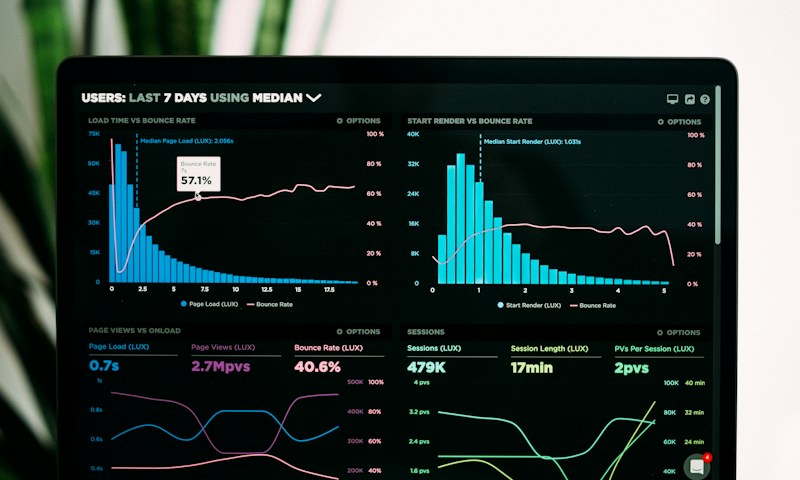
Observability — platform illustration

The problem

AI that runs unattended and unwatched is a liability. Most teams find out an agent went off the rails when a customer does — or when the invoice arrives and nobody can explain it.

How it works with agents

  • Full run log for every execution — inputs, steps, and outputs
  • Token and cost tracking per agent and per run
  • Failure alerts with error context, before customers notice
  • Replay any run to see exactly what the agent decided, and why

What's included

  • Run-by-run execution logs
  • Token spend and latency metrics
  • Alerting on failures and anomalies
  • Run replay for debugging
  • Searchable history across all agents

WHAT GETS LOGGED

Every run leaves a trail.

Trigger & context

What started the run — fired on its 24/7 schedule, a webhook payload, an event — with the full incoming context.

Steps & tool calls

Every decision the agent made and every system it touched, in execution order.

Tokens & latency

Per-step and per-run token spend, mapped to your provider rates, plus timing.

Inputs & outputs

What went in, what came out — enough to answer “what happened?” without guesswork.

WHEN SOMETHING LOOKS OFF

Find it, alert on it, replay it.

Replay

Re-run any execution against its original inputs to reproduce a bug or validate a fix.

Alerts

Failures and anomalies push notifications with the error and the failing step attached.

Search

Query across every agent and run — by status, agent, trigger, or time window.

Cost views

Spend per agent and per run, so usage maps to the bill your provider actually sends.

Frequently Asked Questions

What is logged for each run?
The trigger, every step the agent took, tool calls, inputs and outputs, tokens consumed, timing, and the final status. Enough to answer “what happened?” without guesswork.
Can I see what each run costs?
Yes — token spend is attributed per run and per agent, using the rates of your own provider keys, so cost maps to the bill you actually receive.
What do I get alerted on?
Run failures, retry exhaustion, and anomaly thresholds you set. Alerts carry the error and the failing step — not just “something failed.”
GET STARTED

Your first agent is one prompt away.

Describe the job, connect your own keys, set it to run 24/7 — running in seconds. Free to start, no credit card, no sales call.